The Challenge: A Multi-Million-Line GIS Tool Suite Stuck on Retiring Technology
CEDRA's product suite was built on ArcObjects, the legacy ArcGIS SDK, and Visual Basic 6. The code base spanned multiple million lines, with roughly a thousand individual tools organized into toolbars that stretched all the way across the screen. Decades of institutional knowledge were embedded in that code base, including domain-specific libraries for parcel topology, land development workflows, and hydraulic modeling that the ArcGIS platform itself does not provide.
All of it was built on ArcMap, and ArcMap was being retired. ArcGIS Pro had matured enough to serve as the long-term successor, and the retirement date was set. For CEDRA, this was no routine upgrade. Both the company and its state and local government customers depended on the tool suite: a customer couldn't move their workflows to ArcGIS Pro until the CEDRA tools they used every day arrived there. CEDRA faced a deadline it couldn't control and a code base too large and too central to discard.
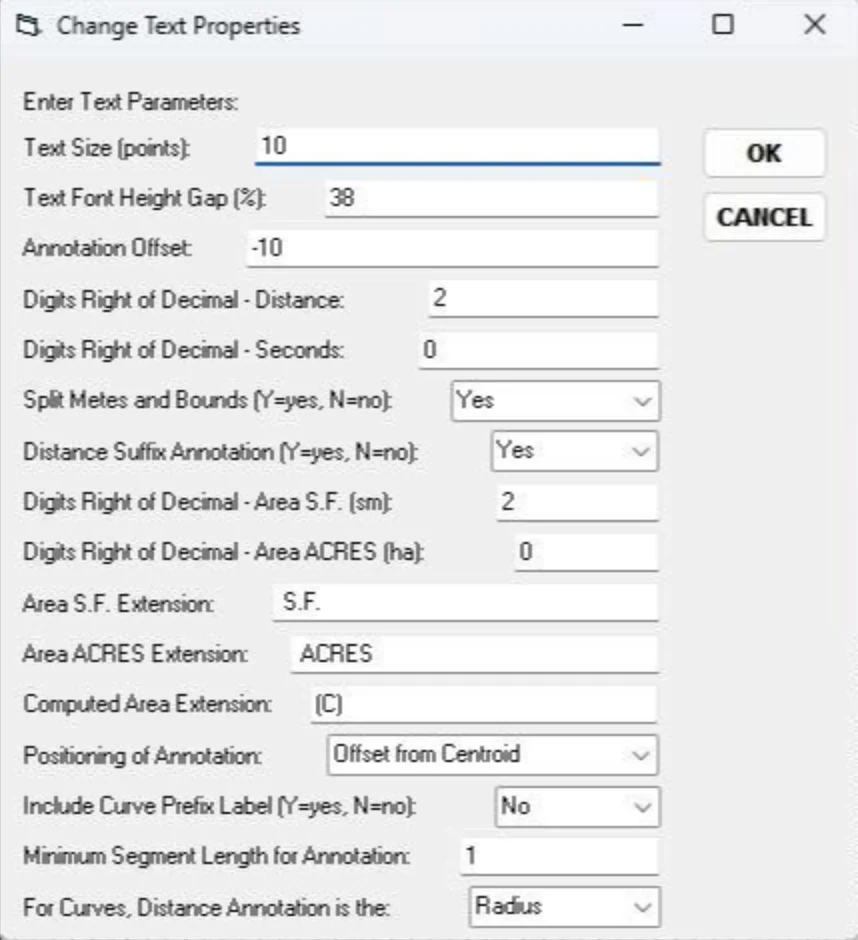
Before: the Change Text Properties dialog box in ArcMap
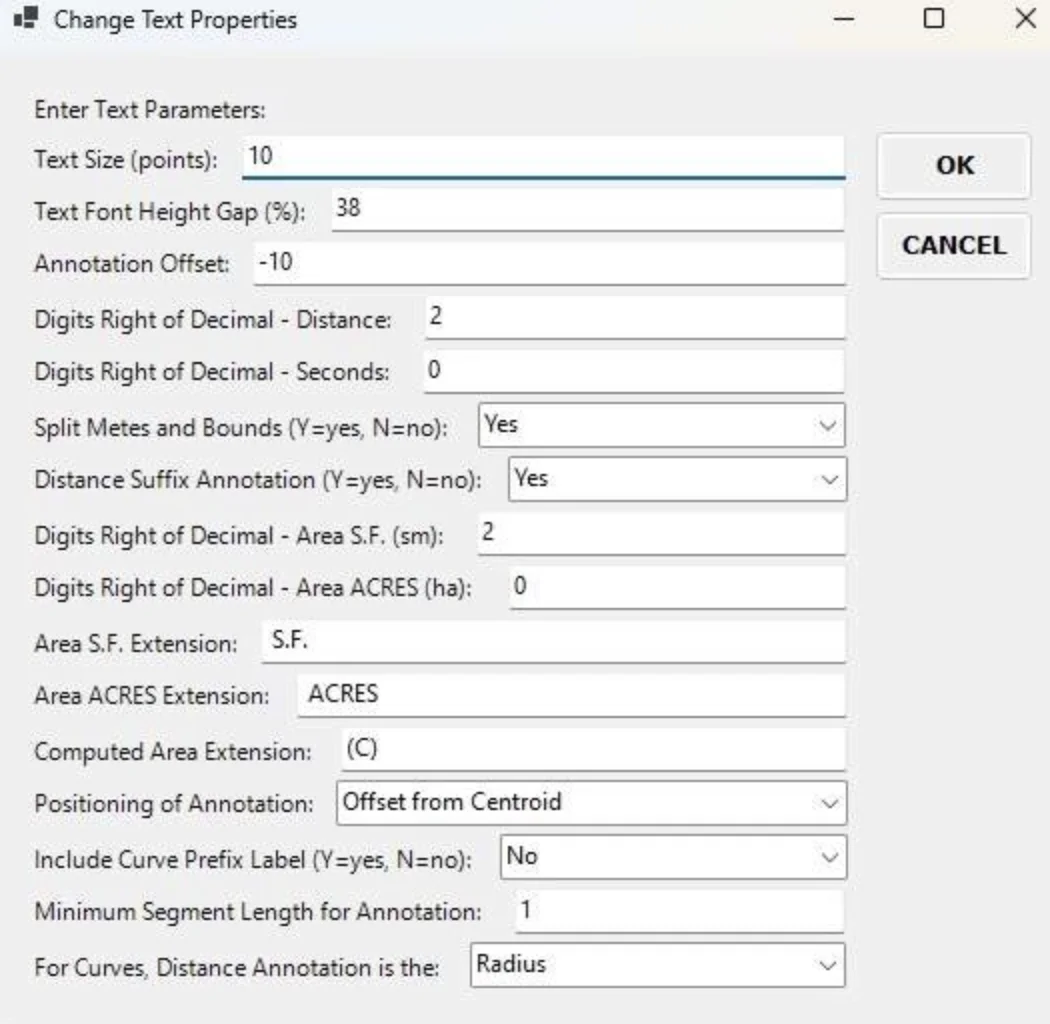
After: the same dialog box in ArcGIS Pro
The advice from outside consultants was uniform: scrap it and start over. A ground-up rewrite with multi-year delivery and a small fraction of the existing functionality returning in the first release. For a business whose products are mission-critical to their customers, that recommendation was the start of an existential question, not a viable plan.
Our Approach: Migration, Not a Ground-Up Rewrite
When CEDRA brought the project to dymaptic, our assessment was different. The advice we gave Nick Tonias, who leads CEDRA's development effort, was that a migration path existed. The decades of work and institutional knowledge in the code base did not need to be thrown out. Moving from ArcObjects to the ArcGIS Pro SDK was a significant shift. But the VB6-to-Visual Basic .NET move was less severe than the conventional wisdom suggested: ArcGIS Pro extensions can be written in Visual Basic .NET, not only in C#. That fact is not widely known, even among GIS developers.
The real question was not whether a rewrite was possible. It was whether a rewrite was the better path. For a code base of this size and depth, and with CEDRA's customers depending on continuity of the tool suite, the answer was no.
How dymaptic worked with CEDRA was as important as the technical call. CEDRA wanted to learn the new SDK, not outsource the migration. Nick wanted the work to stay on his team's machines, with his developers writing the final code. Our job was to help his team build the skills and resolve the hard technical problems as they hit them. The engagement model that fit was weekly remote pair programming, with CEDRA controlling the keyboard and our team troubleshooting alongside.
Our Solution: Sixteen Months of Weekly Pair Programming
For roughly sixteen months, a senior software engineer from dymaptic and Nick from CEDRA met weekly for two-hour migration sessions. Across 75 sessions, they worked through every layer of CEDRA's code base in turn, starting at the most foundational components and layering upward.
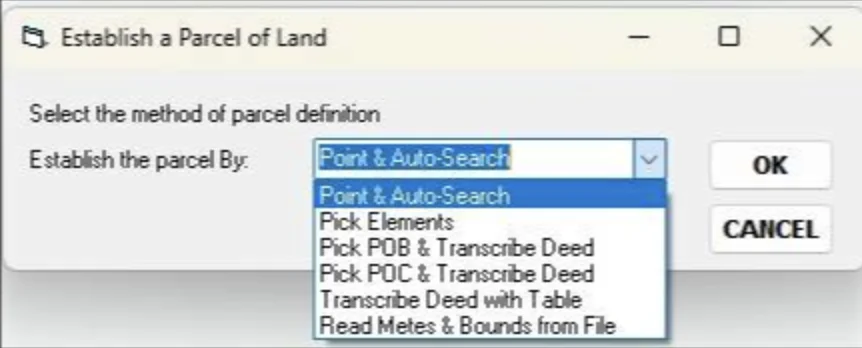
Before: the parcel definition drop-down in ArcMap
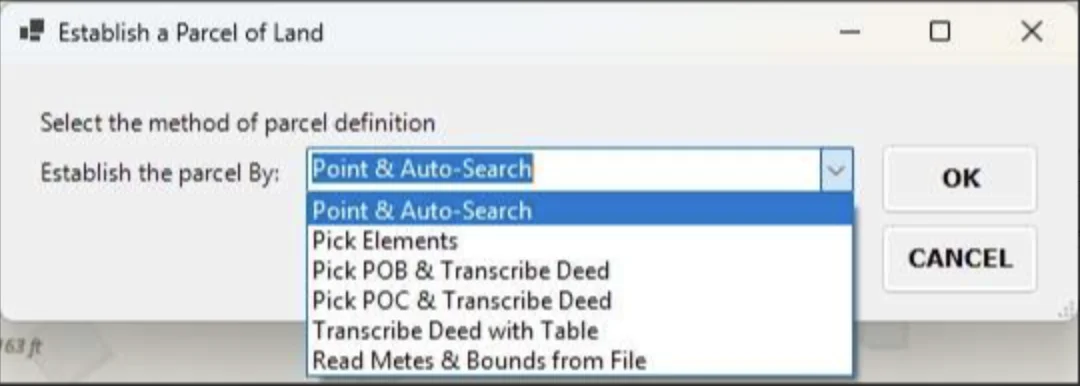
After: the updated drop-down in ArcGIS Pro
The first three months focused on CEDRA's own internal libraries, including cedGeom (a computational geometry library) and AVwraps (a method library whose API surface was originally inspired by the ArcView Avenue scripting language and has been carried forward through every generation of CEDRA's products). Those libraries underpin most of CEDRA's higher-level tools, so once they were running on the ArcGIS Pro SDK and modern .NET, the rest of the migration could proceed without recursive blockers.
One example from midway through the engagement shows how this approach worked. CEDRA's interface was built on Windows Forms, an older UI framework that ArcGIS Pro still supports but no longer recommends. The team found that when a Windows Forms dialog box opened, it would interrupt ArcGIS Pro's rendering cycle and freeze the screen. There was a textbook fix: convert the entire application to async/await, a ground-up change that would have meant rewriting the UI from scratch. This was unrealistic for a code base that had been synchronous for decades. Instead, the dymaptic team left the working parts alone and surgically converted only the hot paths to async with QueuedTask.Run. The dialog behaved, the map kept drawing, and nothing had to be torn down to get there.
The dialog fix kept what already worked and changed only what had to change. That solution reflects how the team approached the whole migration. Other consultants had looked at the same constraints and concluded the code base couldn't be saved. Dymaptic didn't. Finding a different path took real engineering judgment, a deep fluency in both the old stack and the new, and the discipline to pull the one thread that mattered instead of unraveling the whole thing. That is what saved CEDRA years of rewriting, and kept decades of institutional knowledge alive in the code base instead of discarding it.
The migrated CEDRA tool options on the AVcad Tools ribbon in ArcGIS Pro (click to enlarge)
Throughout the engagement, the team kept a running map of ArcObjects APIs to their ArcGIS Pro SDK equivalents. A comprehensive version of that mapping isn't readily available in one place, which made it one of the more valuable deliverables to come out of the project, and a resource CEDRA can keep using well beyond the migration.
The Result: A Tool Suite on Modern Technology, and a Team That Can Carry It Forward
By the final session, CEDRA had migrated a substantial portion of their tool suite and resolved the last outstanding technical blocker. Their team now has the knowledge to complete the remaining work and bring the ArcGIS Pro versions of the tools to their customers, without outside help.
What the approach saved, more than anything, was time. A ground-up rewrite to feature parity would have taken far longer, leaving CEDRA without a supported product in the meantime. Shipping a partial release sooner would have meant going to market with a fraction of their tools, risking a loss of customers to any competitor who got a full Pro version out first. Instead, CEDRA kept their full tool suite intact and their customers with them, on a clear path to ArcGIS Pro.
"Their experience developing with the ArcGIS Pro SDK saved us a tremendous amount of time and effort. After a year and a half, we can fly on our own. We actually feel comfortable developing with the ArcGIS Pro SDK."